Progressive Web Components
I’ve worked with web components for nearly a decade and built various enterprise-scale design systems with them. While I love what they offer on paper, the same pain points keep coming back:
Layout shifts, flash of unstyled content, poor server-side rendering support, too much reliance on client side JavaScript, doesn't play well with frameworks like React Server Components, accessibility issues, and so on…
Despite all of this, I still think web components are a great foundation for a design system. No other approach gives you true cross-framework portability built on what the web platform already provides. The problem isn’t necessarily the model itself, it’s how we’ve been building them.
This is how I ended up creating Elena, a library that I’m open sourcing today. Elena starts from HTML and CSS, and stays grounded in web standards and what the web platform natively provides.
What is a Progressive Web Component?
A Progressive Web Component is a native Custom Element designed in two layers: a base layer of HTML and CSS that renders immediately, without JavaScript, and an enhancement layer of JavaScript that adds reactivity, event handling, and more advanced templating. There are three types of Progressive Web Components:
Composite Components that wrap and enhance the HTML composed inside them. All of their HTML and CSS lives in the Light DOM. You could also call these HTML Web Components.
Primitive Components that are self-contained and render their own HTML. All of their CSS lives in the Light DOM together with the base HTML required for rendering the initial state.
Declarative Components that are a hybrid of these and utilize Declarative Shadow DOM.
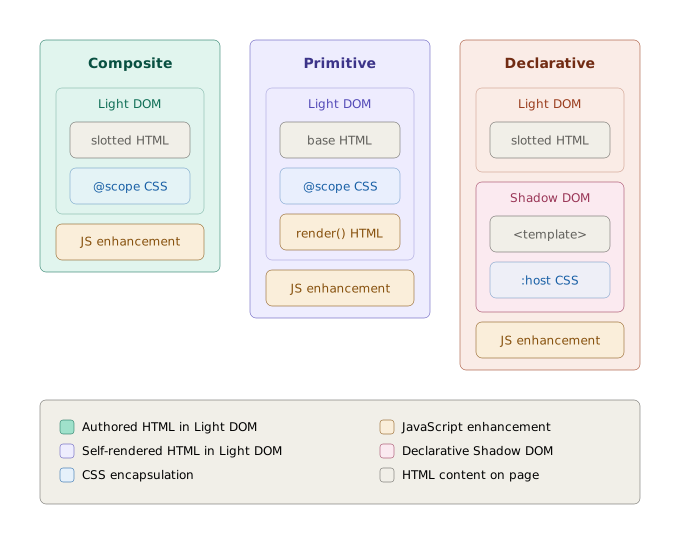
Note: Elena doesn’t force this taxonomy. They’re all just web components, and you choose how to build yours. But since “Progressive Web Components” is a design philosophy rather than a library feature, understanding the distinction between these approaches helps when deciding what fits your use case.
So what is Elena, anyway?
Elena is a simple, tiny library (2.6kB) for helping you to build Progressive Web Components. Unlike most web component libraries, Elena doesn’t force JavaScript for everything. You can load HTML and CSS first, then use JavaScript to progressively add interactivity.
I built Elena for teams creating component libraries and design systems. If you need web components that work across multiple frameworks, render HTML and CSS before JavaScript loads, and sidestep common issues like accessibility problems, server-side rendering limitations, and layout shifts, Elena is built for exactly that.
It handles the cross-framework complexity (prop/attribute syncing, event delegation, framework compatibility) so you can focus on building web components rather than plumbing.
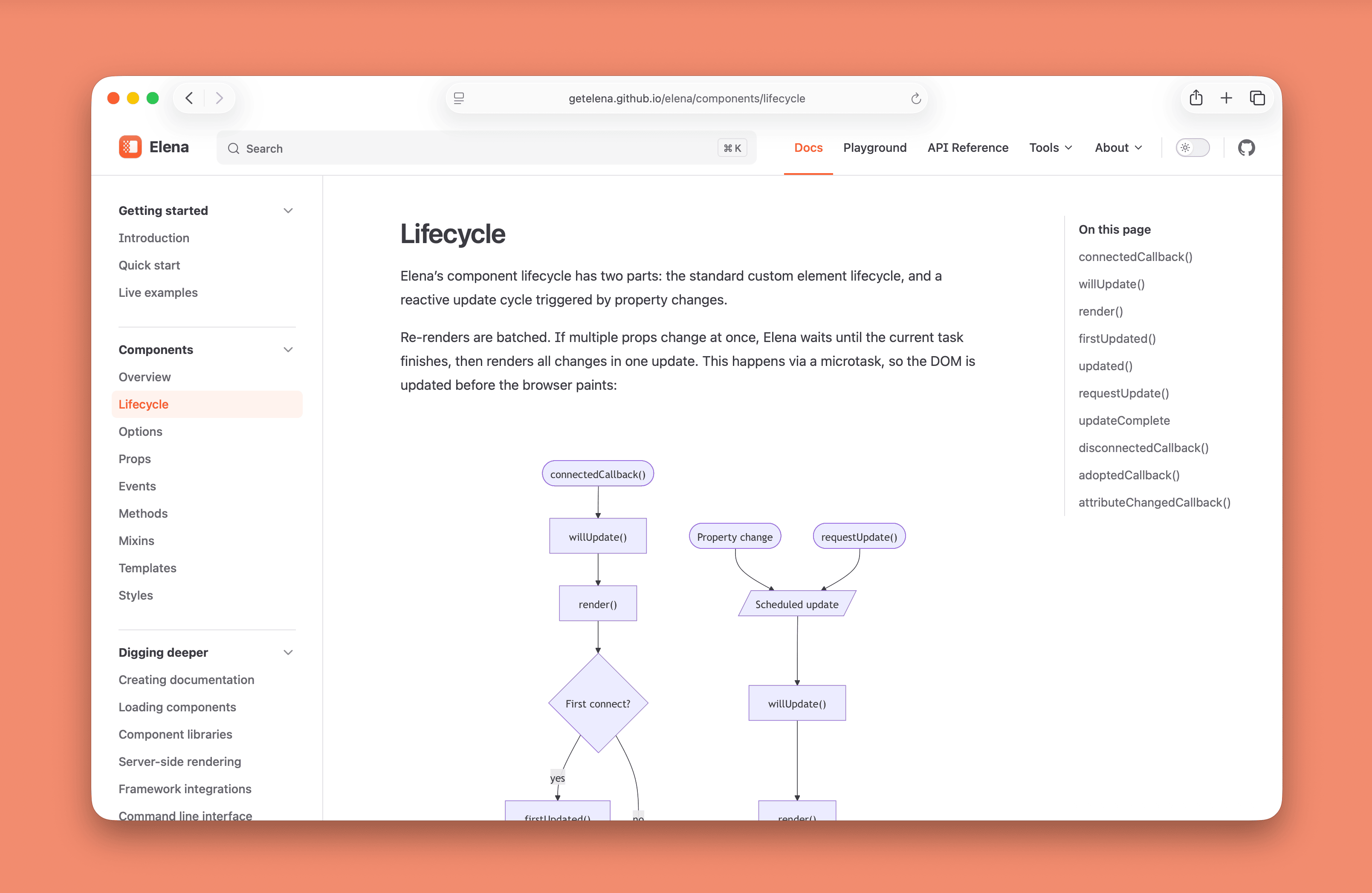 A screenshot of Elena’s lifecycle documentation.
Since Progressive Web Components is a design philosophy rather than a library feature, Elena also allows you to build regular web components. The full standard custom element lifecycle and features such as open or closed Shadow DOM, <template>, <slot> and even Declarative Shadow DOM are all supported out of the box.
What is Elena’s approach to SSR?
Elena’s approach to server-side rendering is simple and straightforward. Since Progressive Web Components are primarily HTML and CSS, you don’t need any special logic on the server to render them.
Components without a render() method are fully SSR-compatible by default, while components with render() provide partial support and complete hydration on the client side.
The “partial support” bit for the latter means that you can render the initial state without JavaScript, but JS is needed for the interactivity (unless you also use the provided @elenajs/ssr tool).
Elena also supports Declarative Shadow DOM for cases where you may need stronger isolation, but still want the component to render server-side.
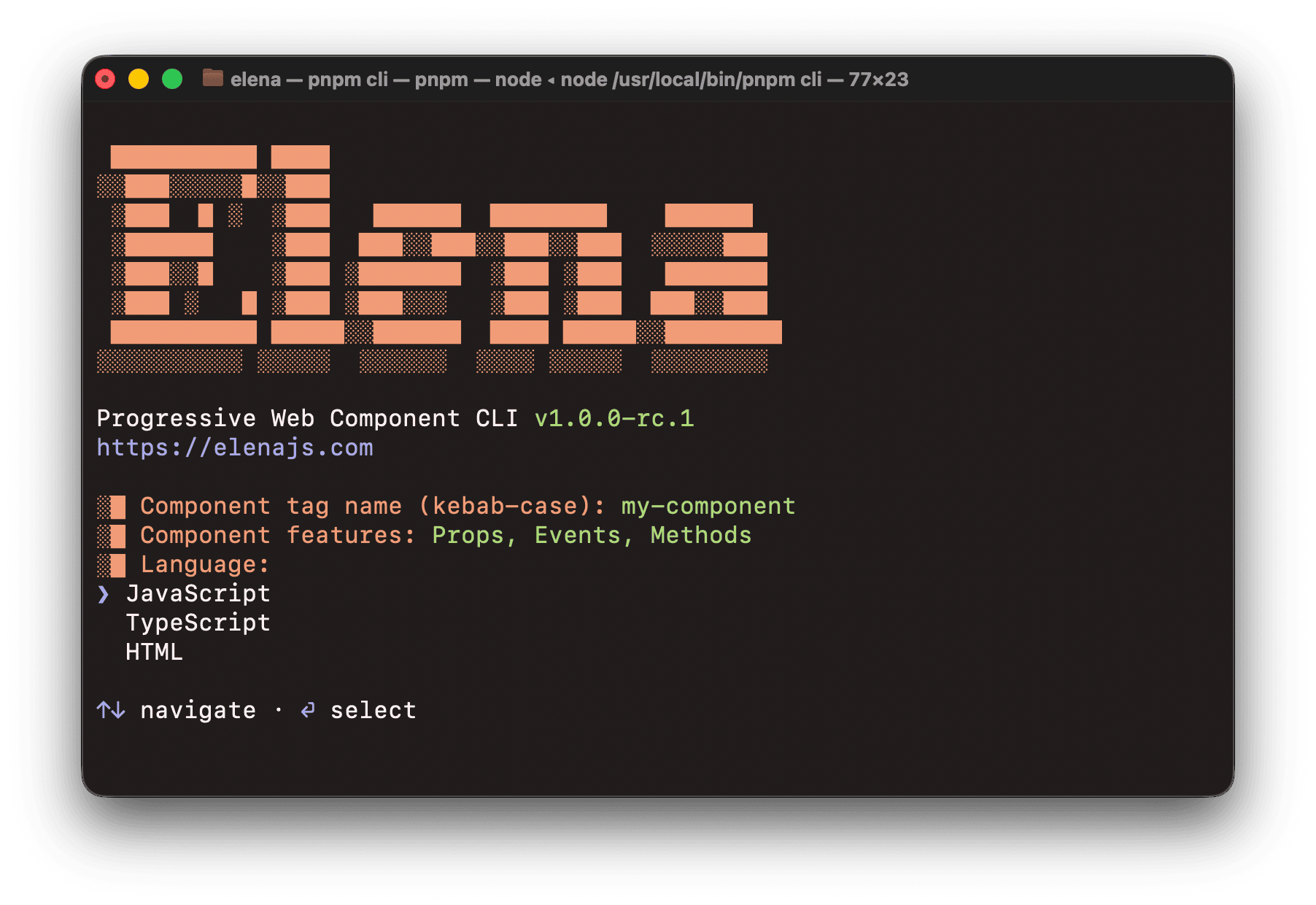 A screenshot of Elena’s command line interface.
Release candidate is out today!
I’m super happy to announce the first seventh release candidate of Elena, v1.0.0-rc.7 today. This release comes with a bunch of useful features aimed at product teams creating component libraries. 🎉
Feature highlights include:
🔋 Extremely lightweight
2.6kB minified and compressed, simple and tiny by design.
📈 Progressively enhanced
Renders HTML and CSS first, then hydrates with JavaScript.
🫶 Accessible by default
Semantic HTML foundation with no Shadow DOM barriers.
🌍 Standards based
Built entirely on native custom elements and web standards.
⚡ Reactive updates
Prop and state changes trigger efficient, batched re-renders.
🎨 Scoped styles
Simple and clean CSS encapsulation without complex workarounds.
🖥️ SSR friendly
Works out of the box, with optional server-side utilities if needed.
🧩 Zero dependencies
No runtime dependencies, runs entirely on the web platform.
🔓 Zero lock-in
Works with every major framework, or no framework at all.
Included packages
Elena is divided into 13 npm packages published under the @elenajs scope. These are the main packages intended for development:
@elenajs/core: Elena core runtime. The thing you’d use 99% of the time, other packages are just supporting tooling.@elenajs/bundler: Bundler for Elena web component libraries.@elenajs/cli: CLI for scaffolding Elena web components.@elenajs/ssr: Server-side rendering tools for Elena.@elenajs/mcp: MCP server to support working with Elena.@elenajs/components: Example Progressive Web Components.
Next steps
- To learn more, visit Elena’s website: https://elenajs.com
- Browse the FAQ for frequently asked questions
- View the live examples for demos
- Try Elena in the playground

